Printing an invoice and a receipt
This page describes how to print invoices and receipts for charges from cybozu.com.
Printing an Invoice
This section uses credit card payments as an example to describe how to print an invoice.
-
Log in to cybozu.com Store.
Logging In to cybozu.com Store -
Click History.
-
Click the billing number in the Billing section.
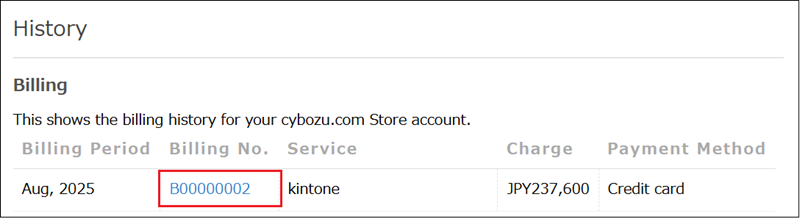
-
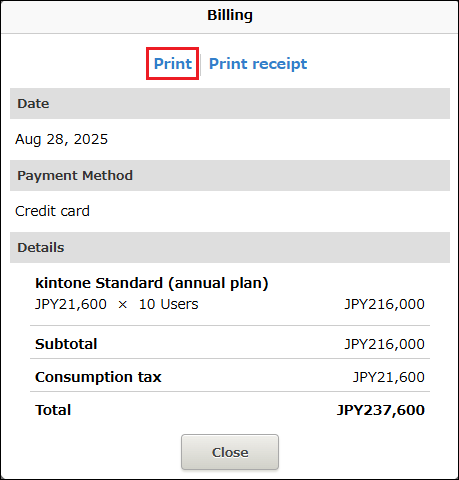
The billing details are displayed.
-
Click Print.
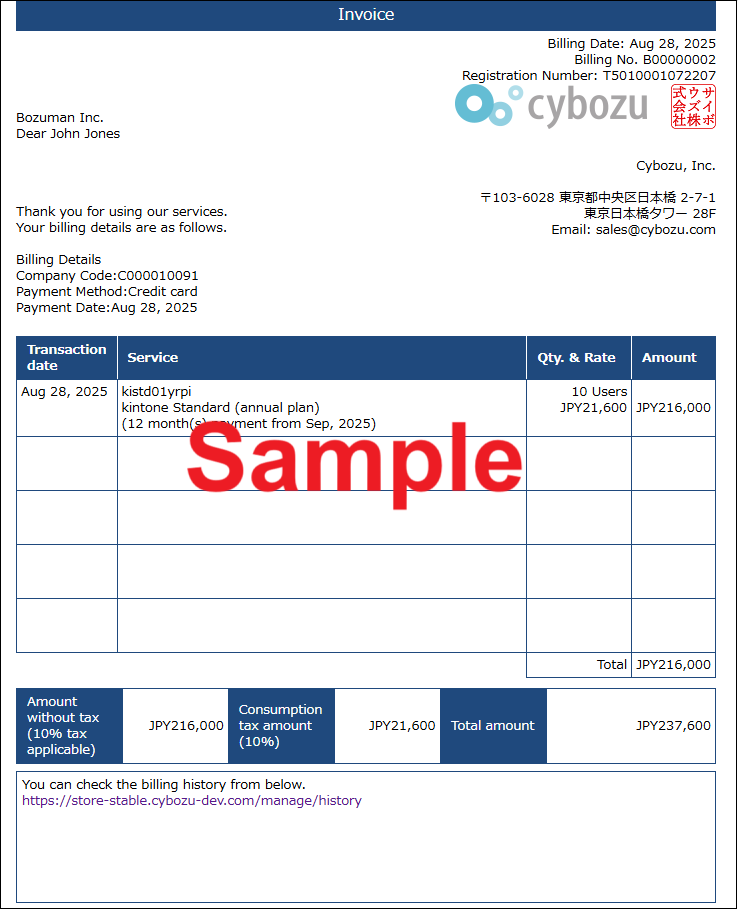
Sample of an Invoice
The texts on the invoice are subject to change.
When Your Payment Method is Money Forward Kakebarai
Download a PDF file from Money Forward Kakebarai Inbox and print it.
For details, refer to the following page.
Money Forward Kessai: I Want to Check My Invoice (External site)
Printing a Receipt
This section describes how to print a receipt.
A receipt can only be printed when the payment method is a credit card.
-
Log in to cybozu.com Store.
Logging In to cybozu.com Store -
Click History.
-
Click the billing number in the Billing section.
-
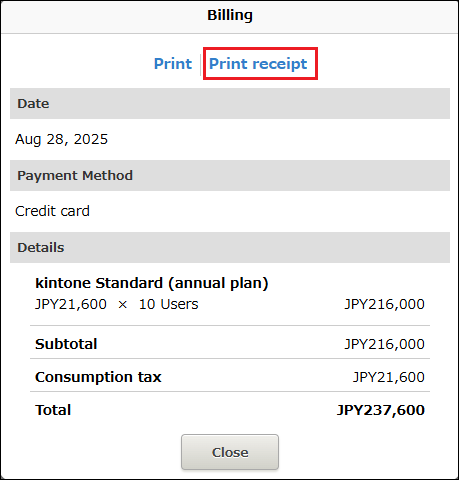
The billing details are displayed.
-
Click Print receipt.
-
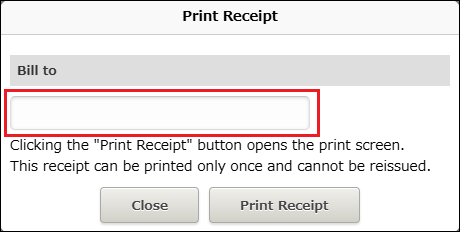
In the Print Receipt dialog, enter the recipient's name in the input field.
-
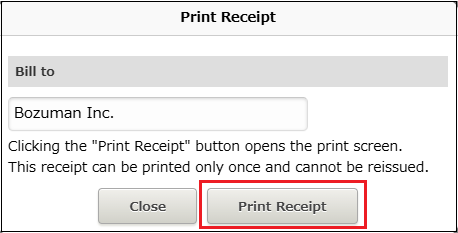
Click Print Receipt.
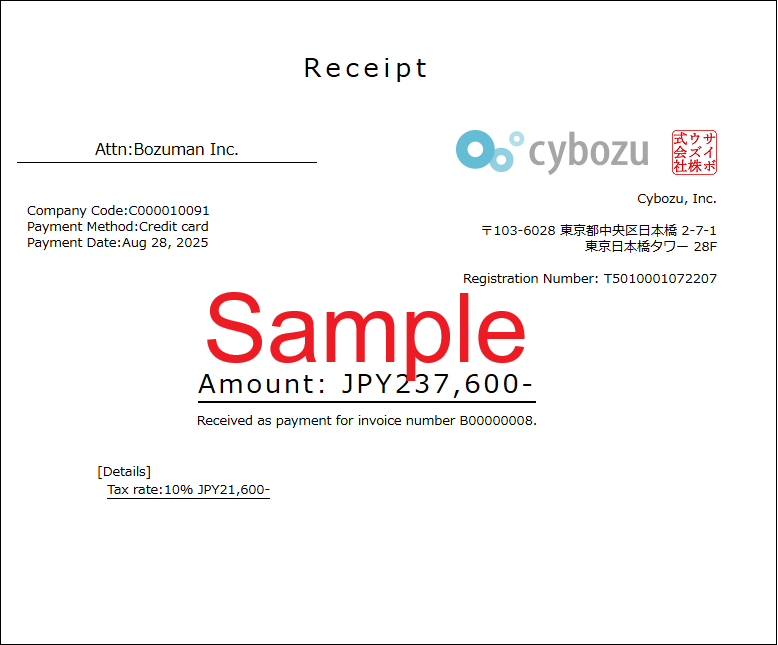
Sample of a Receipt
The texts on the receipt are subject to change.